Hi All,
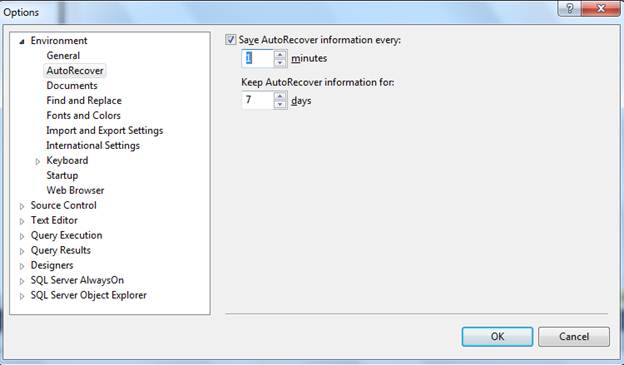
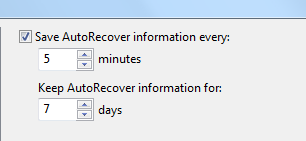
Sql server will automatically save the information for every five minutes. You can set this to 1 minute to reduce the work loss
Go to tools menuàoptionsàEnvironmentàAuto Recover
Set the save auto recovery information every 1 Minute.
Default it is 5 minutes.
The location of this Auto Recover document is located in “My DocumentsSQL Server Management StudioBackup FilesSolution [n]”.
The [n] represents an integer that corresponds to how many SSMS IDE windows you have open
If you open 2 instances, N will be 2
For each instances, the number of query editors opens will be saved for every 1 minute
Open the folder mentioned above and open a new SSMS IDE and Query window and start typing
SELECT statement .
After about 1 minute, you will see a new file prefixed with “~AutoRecover.~vsXXXX.sql”. created
If you close the window, sql server will delete these files. And these files will be there in this folder up to 7 days.
Please check and let us know if you have any concerns on this.
Thanks for viewing this.
Regards,
Chaitanya
Visit site: http://www.sqlblogging.com
Send an Email: sqlblogging

 SQL BLOGGING