Hi All,
If you are opening the sql server management studio, and SSMS will ask the dialogue box to give the server name.
Every time, you are opening sql server, you are getting the dialogue box ,
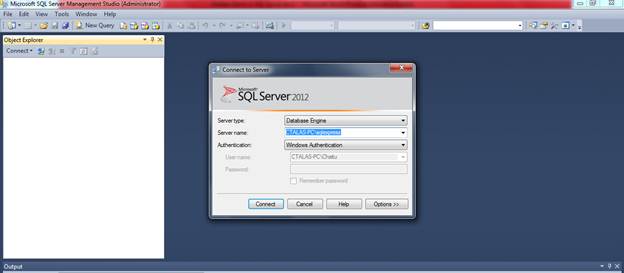
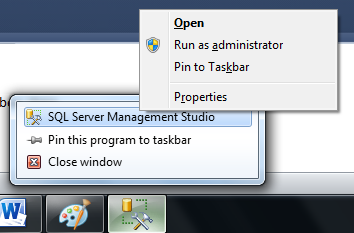
If you don’t want this dialogue box, then go to properties of management studio tab
Then in the target, at the end of line add space –E like below
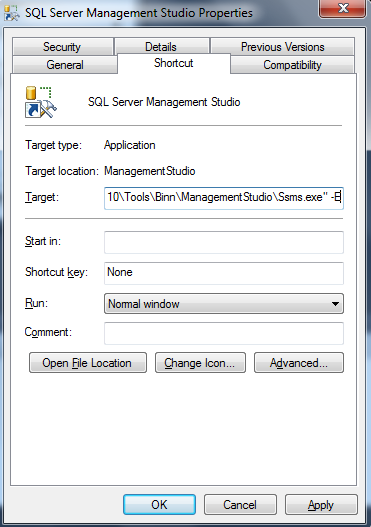
after this modification done, Click on the Sql server management studio ICON
Please check and let us know if you have any concerns on this.
Thanks for viewing this.
Regards,
Chaitanya
Visit site: http://www.sqlblogging.com
Send an Email: sqlblogging


 SQL BLOGGING