Hi Folks,
When we are attaching the mdf file to the sql server instance, we got the below error like this
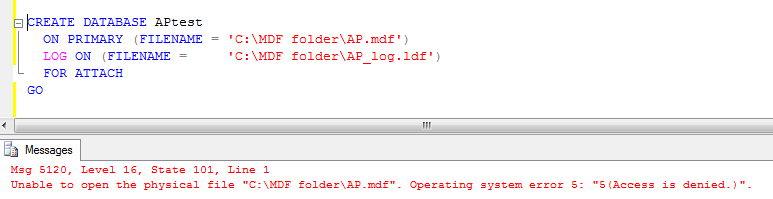
Means the account that you are using in sql server for attaching data file has no permissions for the folder where these files are placed
First check service account under which sql server instance is running
Check the sql server instance name where your query is executing using t-sql
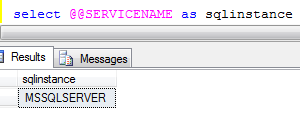
In order to check this we have options like
1. Go to run ->services.msc->check the sql nstance service

Here the service account you are using is local system means the your windows login
2. Use the t-Sql in the query analayser
declare @sqlser varchar(20)
EXEC master..xp_regread @rootkey=’HKEY_LOCAL_MACHINE’, @key=’SYSTEMCurrentControlSetServicesMSSQLSERVER’,
@value_name=’objectname’, @value=@sqlser OUTPUT
PRINT ‘Account for sql server Instance:’ +convert(varchar(30),@sqlser)
3. Go to serface area configuration manager and check the account name

Means your windows login did not have the permissions for the folder where you have the mdf file.
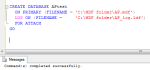
Go to that folder and right click and select security tab and give the full control like below and execute the attached script
-

- image0055
-
- image0064
Please check and let us know if you have any questions
Thanks for viewing
Regards,
Chaitanya
Visit site: https://mssqlbuzz.wordpress.com
Send an Email : mssqlbuzz

 SQL BLOGGING